What is Lora?
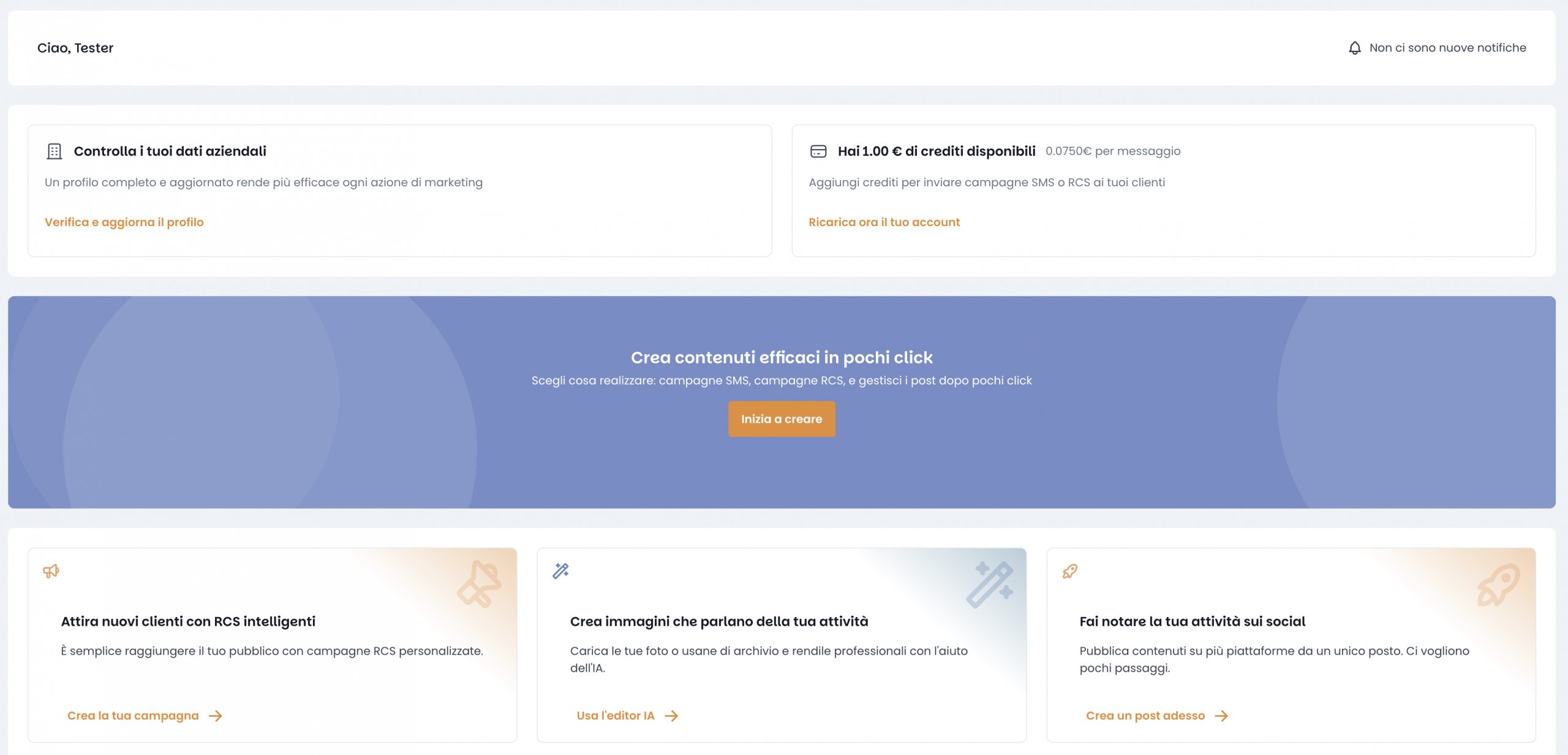
Lora is the evolution of our platform developed by Agile Telecom S.p.A., designed to help small and medium-sized businesses manage their digital marketing and communication activities.
The platform integrates AI-powered tools to assist with the creation, scheduling, and publishing of content and campaigns across multiple channels, including Facebook, Instagram, SMS, WhatsApp, and RCS.
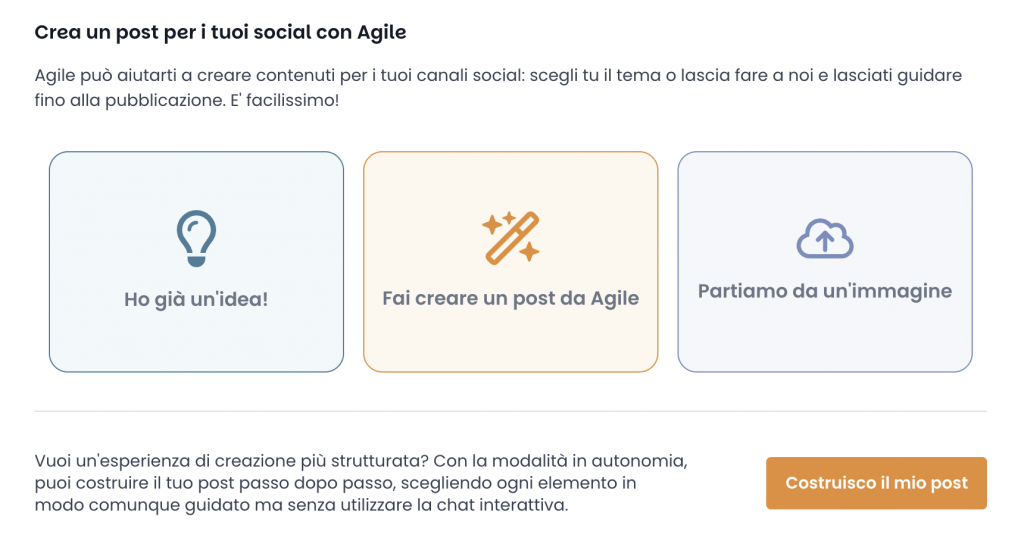
Create a Post for your Social Channels with Agile
Agile helps you create engaging content for your social media channels – whether you already have a topic in mind, prefer a fully AI-generated suggestion, or want to start from an image. Just choose how you want to begin, and we’ll guide you all the way to publication. It’s fast, simple, and intuitive!
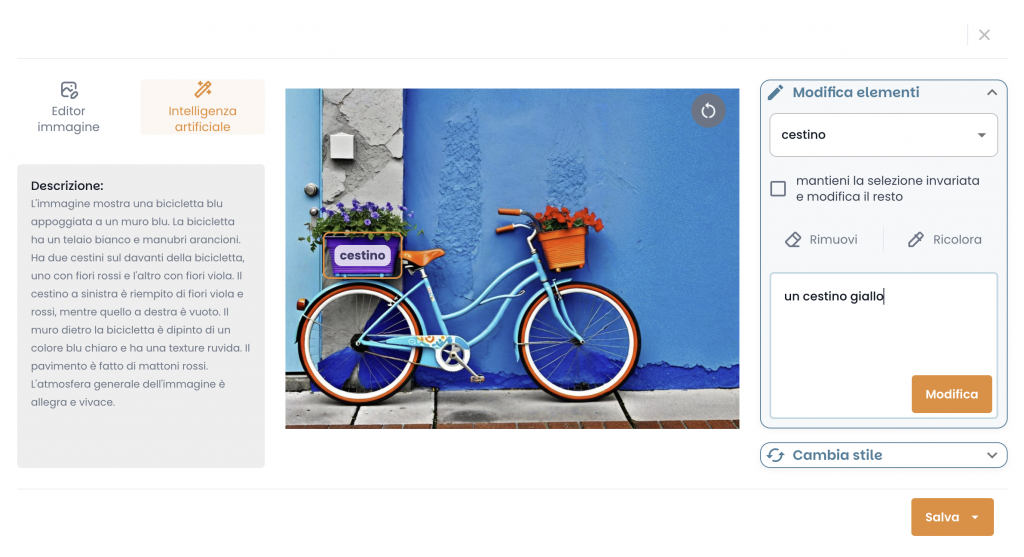
Edit your images with the Help of AI
Want to tweak your visuals? Just tell LORA what to change.
Type something like “a yellow basket” and the AI updates the image for you — no design skills needed.
You can recolor, remove, or restyle elements in seconds. It’s fast, fun, and intuitive.
A focus on permissions
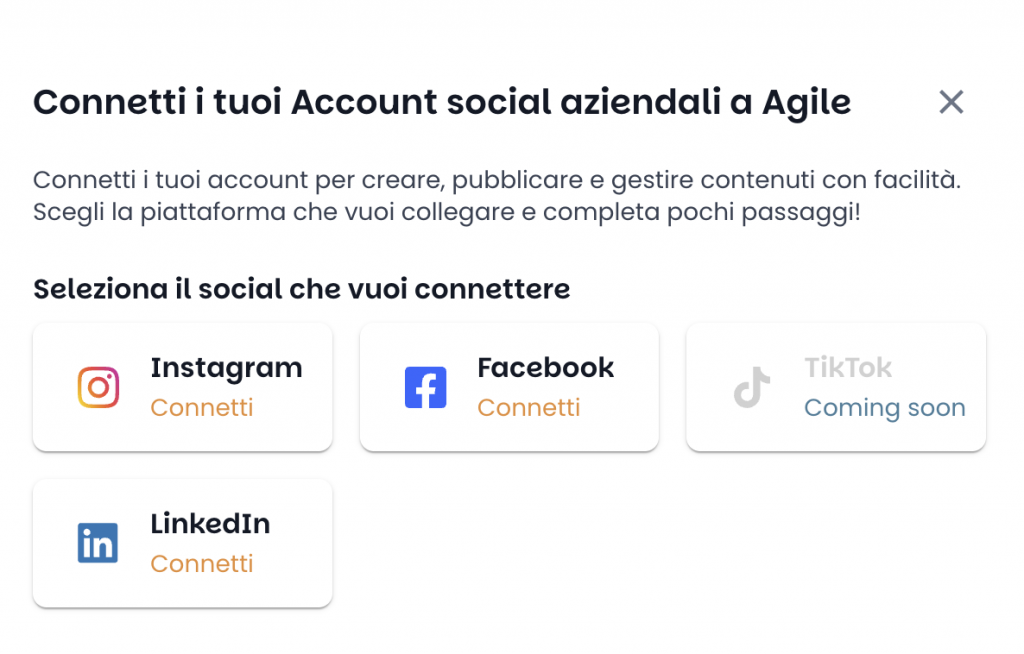
LORA integrates with the Facebook and Google APIs to allow business users to publish and manage their content more efficiently.
Read performance data and engagement metrics of published posts
Publish posts, images, and videos on behalf of their business pages
Retrieve and reply to comments and messages received on those pages
Manage metadata and other content-related assets
The application requests the following Facebook permissions:
pages_manage_posts: publish content (text, images, videos) to Facebook Pages on behalf of the user
pages_read_engagement: retrieve engagement metrics such as likes, shares, comments
pages_read_user_content: read content posted by users on the Page (e.g. reviews, posts)
pages_manage_engagement: manage responses to user comments and messages
pages_manage_metadata: access basic Page settings and metadata
publish_video: upload and publish videos to the Page
These permissions are essential for enabling LORA’s users to:
Automate content publishing directly from the platform
Monitor social engagement
Interact with their followers through a centralized interface
The application also requests the following Google OAuth scopes to provide a seamless and personalized user experience within the LORA platform:
https://www.googleapis.com/auth/business.manage:
Allows the application to access, create, edit, and delete the user’s Google Business Profile listings, enabling LORA to help manage online presence directly from the platform.
https://www.googleapis.com/auth/userinfo.email:
Grants access to the user’s primary Google Account email address, used to uniquely identify the user and personalize interactions.
https://www.googleapis.com/auth/userinfo.profile:
Lets the application read the user’s basic public profile information, including name and profile picture, to improve user recognition and experience.
openid:
Associates the logged-in session with the user’s Google identity, allowing for secure authentication and access to business-related services.
These are all non-sensitive scopes, required to streamline the login and identity process, personalize the user interface, and enable the connection between LORA and the user’s Google services for business operations.
Who Can Use This Application?
LORA is intended for business users who explicitly sign up for the service and wish to centralize the management of their communication channels.
Only users who authorize the app through the official Facebook OAuth flow can access Facebook/Instagram functionality.
Security and Privacy
No personal or sensitive data is shared or stored without user consent.
All data is used solely to deliver the requested services.
All API communication is encrypted via HTTPS.
For more information, please refer to our Privacy Policy.
Let's do this
For big-league companies, aggregators and enterprises craving max profits without skimping on top-shelf deliverability,
we’re the guerrilla team you’ve been looking for.
Ready to join the revolution?